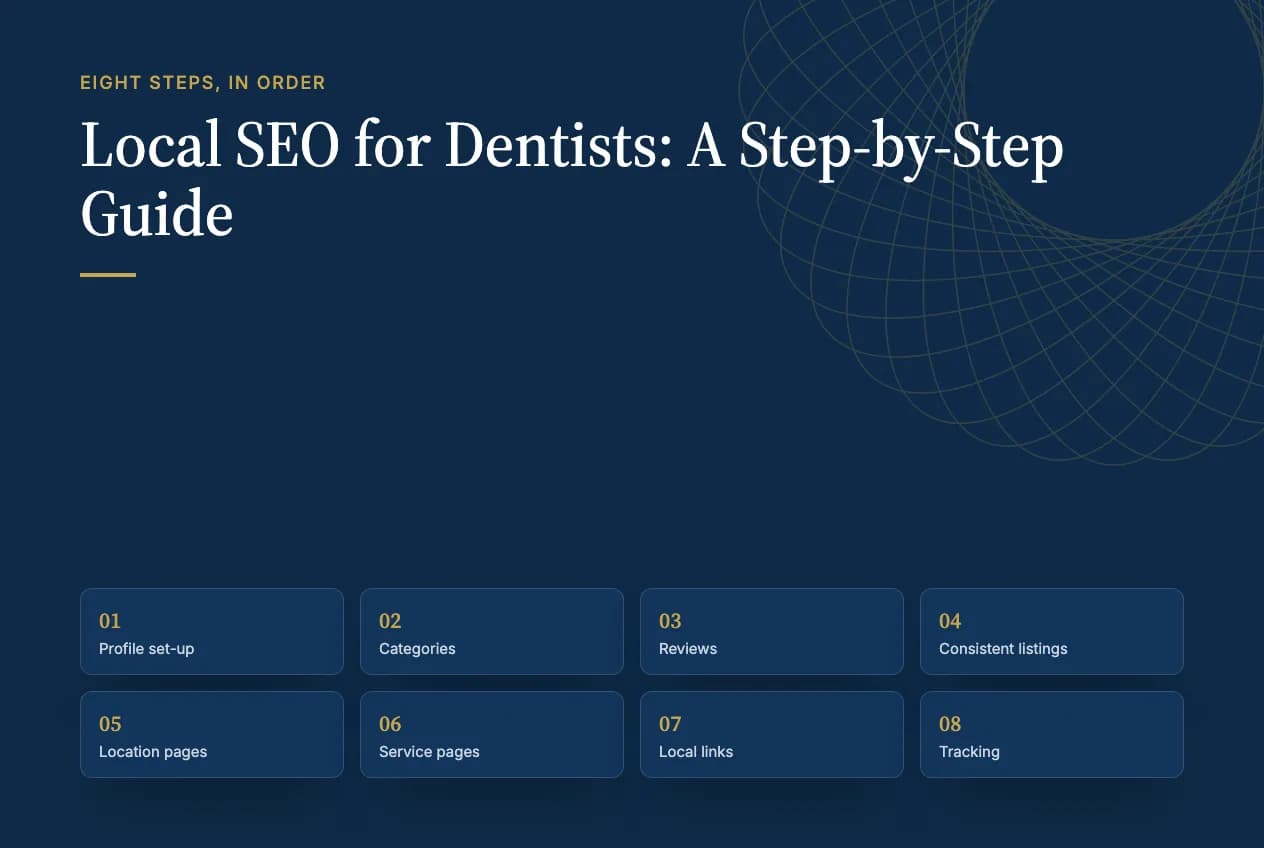
Short answer: Local SEO for dentists comes down to eight steps done in order: set up your Google Business Profile correctly, choose the right categories, build a steady flow of reviews, make your practice details identical everywhere, publish a page for each location and each service, earn a handful of local links, and track calls and bookings. Each step helps you rank in Google Maps and gives AI search tools the facts they need to recommend you.
This guide is written for the person who will actually do the work, whether that's the practice owner, the office manager or an in-house marketer. Every step says what to do, why it matters, and what the common mistakes are. Where Google has published rules, we link to them, because a lot of local SEO advice for dentists is out of date. Two of the most-read guides on this topic, for example, still tell practices to fill in a Google Q&A section that Google has since discontinued.
If you'd rather hand the whole thing to someone, see our page on SEO for dentists. Otherwise, start with step 1; the order matters.
What is local SEO for a dental practice?
Local SEO for a dental practice is the work of getting the practice shown when nearby patients search for a dentist, in Google's map results (the "map pack"), in Google Maps itself and in the local answers AI tools give. It's mostly about your Google Business Profile, your reviews, consistent listings across the web, and website pages for each location and service.
Google says it ranks local results on three main factors:
| Factor | Google's definition | What a dental practice controls |
|---|---|---|
| Relevance | "How well a Business Profile matches what someone is searching for" | Categories, services, and the words on your profile and website |
| Distance | "How far each business is from the customer who's searching" | Almost nothing; you can't move the office |
| Prominence | "How well-known a business is" | Reviews, links, mentions and consistent listings across the web |
Distance is why a practice two blocks away can outrank you for one patient and not for another. Relevance and prominence are where all eight steps below do their work.
Does local SEO help with AI search and ChatGPT?
Yes. The same facts that rank you in Google Maps are what AI tools read when a patient asks for a dentist. Google's AI Overviews and AI Mode draw on Google's local data, and ChatGPT reads your website, your listings and, since July 2026, Yelp data licensed by OpenAI.
Google has also changed the profile itself. It discontinued the old Q&A section and replaced it with an AI feature called Ask Maps: according to BrightLocal, the Q&A API was retired on November 3, 2025, and Google confirmed the change to Q&A that December. BrightLocal says Ask Maps answers questions using "the business's GBP information and reviews, as well as the business's website." Search Engine Journal's testing found it missing for most healthcare providers, but present on dentist profiles.
The practical point: every fact you write on your profile and website can now be repeated by an AI to a patient. Complete, accurate information is no longer just for ranking. For the ChatGPT side in detail, see our guide on how to get your dental practice recommended by ChatGPT.
The 8 steps
Step 1: Set up your Google Business Profile the right way
Do this: claim and verify one profile for each office location, then decide whether individual dentists get their own profiles.
The profile basics are straightforward: your real practice name, exact address, main phone number, hours (including holiday hours), booking link, and real photos of the office and team. Google doesn't permit adding unnecessary information to your business name, so "Brightside Dental" is fine and "Brightside Dental – Best Dentist Austin" isn't.
The decision most guides skip is practitioner listings. Google's guidelines for representing your business treat dentists as "practitioners" (public-facing professionals with their own patients) and set different rules depending on your setup:
| Your practice | What Google's guidelines say to do |
|---|---|
| Several dentists see patients at one location | The practice gets its own profile for the location. Each dentist can have an individual profile, named with the dentist's name only, not the practice name. |
| One dentist practicing under a practice brand | Use one shared profile named "[Practice name]: [Dentist's name]". Google's own example uses this format: "Allstate: Joe Miller". |
| Support staff (hygienists, assistants, front desk) | No individual profiles. |
| One dentist with several specialties | One profile, not one per specialty. |
So a solo practice would use one profile named, for example, "Brightside Dental: Dr. Maria Lopez," while a four-dentist practice would have a practice profile plus up to four dentist profiles. Individual profiles help a dentist show up for searches on their own name, but they're also more profiles to keep accurate, so only create them for dentists who'll stay.
Step 2: Choose your categories and list your services
Do this: set the most specific primary category that describes your main work, add secondary categories only for services you really offer, then list every service.
Your primary category is the strongest relevance signal you control. For a general practice it's usually "Dentist." A specialist practice should pick the specialty category that matches its main work, such as "Orthodontist" or "Pediatric dentist." Start typing in the category field to see the dental options Google offers in your country; secondary categories such as "Cosmetic dentist" or "Emergency dental service" belong only if you actually provide that care.
Then fill in the services list: implants, Invisalign, crowns, root canals, whitening, sedation and so on, in the words patients use. Each service you add is another way to match what someone searches for.
Common mistake: choosing a broad category like "Medical clinic," or stacking secondary categories for services you don't offer to catch more searches.
Step 3: Build a steady flow of reviews, and reply safely
Do this: ask every patient for a Google review, every week, and reply to reviews without ever revealing anything about the patient.
Google allows you to ask for reviews that reflect a genuine experience, but it prohibits offering incentives ("payment, discounts, free goods and/or services") and asking only happy patients ("selectively solicit positive reviews"). The simplest compliant routine is a text or email with your review link, sent to every patient after their visit. Yelp is different: its guidelines say "Don't ask anyone to review your business", so on Yelp, make yourself easy to find instead of asking.
Replying is where dental practices need extra care. Many review guides suggest replying personally to each reviewer, but for a dental practice anything that confirms someone is a patient can be a HIPAA problem. The HHS Office for Civil Rights fined one practice $10,000 in 2019 and another $23,000 in 2022 for disclosing patient details in review replies. Google itself says only that "helpful and positive replies to reviews can show that you're responsive to your customers." So be responsive, but generic:
- Safe: "Thank you for taking the time to share this. We're glad you were happy with your visit."
- Safe for a complaint: "Thank you for your feedback. We'd welcome the chance to talk; please call our office manager at [number]."
- Never: use the patient's name, confirm they're a patient, or mention a treatment, appointment, insurance or cost.
Step 4: Make your practice details identical everywhere
Do this: write down one official version of your practice name, address, phone number and hours, then make every listing match it exactly.
Start with the listings patients and AI tools read most: Google Business Profile, Apple Business (formerly Apple Business Connect, which controls Apple Maps), Bing Places, Yelp, Healthgrades, Zocdoc, the ADA's Find-a-Dentist, Vitals, Facebook and every insurer's provider directory. Then hunt for old listings from a previous address, phone number or owner, and fix or remove them.
Consistency matters for prominence: when the same facts appear everywhere, Google and AI tools can trust them. When one listing says you close at 5 and another says 6, they have to guess.
Step 5: Publish one page for each location
Do this: if you have more than one office, give each its own page on your website, and link each Google profile to its matching page.
A good location page has the office's exact address, phone number and hours, an embedded map, parking and access details, the dentists who work there, the services offered at that office, and real photos. That's the page your profile's website link should point to, not your homepage.
Build pages only for places where you actually have an office. Google's spam policies call it doorway abuse to have "pages targeted at specific regions or cities that funnel users to one page." Twenty near-identical "Dentist in [town]" pages for towns without an office fit that description.
Step 6: Publish one page for each service
Do this: give every service you want more of its own page, and answer the main patient question in the first two sentences.
One page each for implants, Invisalign, emergency dental care, sedation, pediatric dentistry, whitening and so on. Open with a direct answer, then cover what patients filter on: who it's for, what the first visit involves, rough cost or what drives it, insurance and financing, and how to book. Add a short FAQ built from questions your front desk hears every week.
On your homepage or contact page, add structured data using schema.org's Dentist type, with your exact name, address, phone and hours. (Some guides recommend a "DentalClinic" type; it doesn't exist on schema.org.) Every value must match your visible page and your Google profile.
Step 7: Earn a handful of local links
Do this: get links and mentions from local and dental sites that only a real, local practice could earn.
You don't need hundreds of links. A dozen relevant ones go a long way for prominence:
- Your local chamber of commerce and business associations
- Your state and local dental society member directories
- Schools, sports teams and community events you sponsor
- Local news, for example a back-to-school dental tips piece or a free screening day
- Suppliers and manufacturers' "find a provider" pages for treatments you offer
- Local "best dentist" lists and community guides
Don't buy links or join link schemes; Google's spam policies treat links made to manipulate rankings as spam.
Step 8: Track calls, bookings and rankings
Do this: measure the things that turn into patients, monthly, and judge the trend over quarters.
| What to track | Where | Why |
|---|---|---|
| Calls, website clicks and direction requests from your profile | Business Profile performance | Shows whether your profile is driving contact |
| Visits and bookings from your profile's website link | GA4, with a UTM-tagged link on your profile (URL builder) | Separates map-pack traffic from other search traffic |
| Calls by source | A call tracking number for your website | Ties calls to SEO rather than ads or referrals |
| Search queries and clicks | Google Search Console | Shows which searches find your service pages |
| Map-pack position across your area | A local ranking grid tool | Shows coverage by neighborhood, not just at your office |
| New patients by source | Your practice management software ("How did you hear about us?") | The number that pays for the work |
Tagging your profile's website link with UTM parameters isn't a Google requirement, but it's the simplest way to see profile traffic separately in GA4.
How long does local SEO take for a dental practice?
Most practices see profile fixes take effect within weeks, and steady map-pack gains over three to six months. Timing depends on the task and on how competitive your area is:
| Task | Typical time to see an effect |
|---|---|
| Profile fixes (categories, services, hours, name) | Days to a few weeks |
| Listing corrections across directories | A few weeks to two months, as each site updates |
| New location and service pages | One to three months, once Google has crawled and ranked them |
| Review growth | Builds month by month; recency matters as much as total count |
| Local links and mentions | Three to six months or more |
These are typical ranges, not guarantees. A new practice in a dense city will move more slowly than an established practice in a smaller town.
Common reasons a dental practice isn't in the map pack
When a good practice doesn't show in the map pack, the cause is usually one of these:
- The wrong primary category, or a broad one like "Medical clinic."
- The profile isn't verified, or a duplicate profile for the same location is splitting signals.
- Inconsistent details: an old address, a different phone number or different hours on other listings.
- Few or old reviews compared with the practices that do show.
- The profile links to the homepage instead of a location page, or the website has no page for the services patients search for.
- Distance: the searcher is closer to other practices. You can't change this; you can only be the strongest option nearby.
- Following outdated advice, such as filling a Q&A section Google discontinued, or testing your site in the Mobile-Friendly Test, which Google retired on December 1, 2023.
If you'd like a second pair of eyes on these eight steps, that's the work behind our dental practice SEO service, and our local SEO service covers the same groundwork for any local business.
Sources
Checked October 20, 2026.
- Google Business Profile Help: Tips to improve your local ranking
- Google Business Profile Help: Guidelines for representing your business
- Google Business Profile Help: Understand your Business Profile performance
- Google: Maps user contributed content policy
- Google Search Central: Spam policies
- Google Search Central: Page experience update, including the Mobile-Friendly Test retirement (April 2023)
- BrightLocal: Goodbye Google Q&A, it's time to Ask Maps
- Search Engine Journal: Ask Maps, what it means for marketers
- Yelp: Don't ask for reviews
- DrBicuspid: Dental practice pays $10K for putting patient info on Yelp (2019)
- HIPAA Journal: OCR fines California dental practice for PHI disclosures on Yelp (2022)
- Schema.org: Dentist
Frequently asked questions
Should each dentist have their own Google Business Profile?
It depends on your setup. If several dentists see patients at one location, Google allows the practice profile plus an individual profile for each dentist, named with the dentist's name only. A solo dentist practicing under a brand should use one shared profile named "Practice name: Dentist's name". Support staff don't get profiles.
What Google Business Profile category should a dentist use?
Use the most specific category that describes your main work. For a general practice that's usually "Dentist"; a specialist practice should choose its specialty, such as "Orthodontist" or "Pediatric dentist". Add secondary categories only for care you actually provide, then list every service on the profile.
Is Google Business Profile Q&A still available?
No. Google discontinued profile Q&A, retiring its API on November 3, 2025, and replaced it with an AI feature called Ask Maps, which answers questions from your profile, reviews and website. That makes complete, accurate profile and website information more important than ever, because an AI may repeat it to patients.
Can I do local SEO for my dental practice myself?
Yes, for most of it. Steps 1 to 4, covering your profile, categories, reviews and listings, can be done by an organized office manager in a few weeks. Location and service pages need help from whoever runs your website, and earning local links takes steady effort over months. Hiring help makes most sense for multi-location practices.
How much does local SEO cost for a dentist?
Doing it yourself costs staff time and a call tracking tool. Hiring help is usually priced by the number of locations, how competitive your area is, and whether your website needs new location and service pages. Ask any provider for a written list of monthly deliverables so you can compare quotes fairly.
Do I need a separate page for each location?
Yes, if you have more than one office. Each location page should have its own address, phone, hours, map, dentists and services, and each Google profile should link to its matching page. Don't create pages for towns where you have no office; Google treats near-identical city pages as doorway abuse.
Is it safe to reply to Google reviews as a dentist?
Yes, if your replies stay generic. Never use the patient's name, confirm they're a patient, or mention treatment, appointments, insurance or cost. HHS has fined dental practices for disclosing patient details in review replies. Thank the reviewer, and move any complaint to a phone call with your office manager.